
How to Set Up a Church Livestream System in the Bay Area
Livestreaming has become an essential part of modern church ministry. Many churches in San Jose and throughout the Bay Area now broadcast their services online so members can watch from home, travel, or share services with friends and family.
However, setting up a church livestream system that looks and sounds professional requires more than simply pointing a camera at the stage.
A well-designed livestream system integrates video, audio, lighting, and internet connectivity to create a clear and engaging online worship experience.
Why Churches Are Investing in Livestream Technology
Church livestreaming provides several important benefits:
Reaching members who cannot attend in person
Connecting with new visitors online
Supporting outreach and ministry growth
Recording sermons for future viewing
Many churches discovered the importance of livestreaming during the pandemic, and it has now become a permanent part of church services.
The Core Components of a Church Livestream System
A professional livestream setup typically includes several key components.
Cameras
Most churches use two or three cameras to create a more engaging broadcast.
Common options include:
PTZ cameras (remotely controlled cameras)
Fixed cameras mounted in the sanctuary
Handheld or tripod cameras
Multiple camera angles make the livestream feel more dynamic and professional.
Video Switcher
A video switcher allows the operator to switch between camera angles, presentation slides, and graphics.
Popular features include:
Multi-camera switching
Lower-third graphics
Integration with presentation software
Live preview monitoring
This allows volunteers to control the broadcast in real time.
Audio Integration
Audio quality is one of the most important aspects of a church livestream.
Instead of relying on camera microphones, a professional setup uses direct audio feeds from the church sound system.
This ensures:
Clear speech from pastors
Balanced music levels
Consistent sound for online viewers
Streaming Encoder
The streaming encoder converts video and audio signals into a format that can be broadcast online.
This signal is then sent to platforms such as:
YouTube Live
Facebook Live
Church streaming platforms
Encoders may be hardware devices or software-based systems.
Internet Connection
Reliable internet is essential for livestreaming.
Many churches require:
Minimum upload speeds of 10–20 Mbps
Dedicated internet connections for streaming
Backup internet options for reliability
Common Livestream Mistakes Churches Make
Many churches attempt to set up livestream systems themselves but encounter challenges.
Common issues include:
Poor audio quality
Incorrect lighting
Low camera resolution
Unstable internet connections
Complicated systems that volunteers struggle to operate
Professional system design can help avoid these issues.
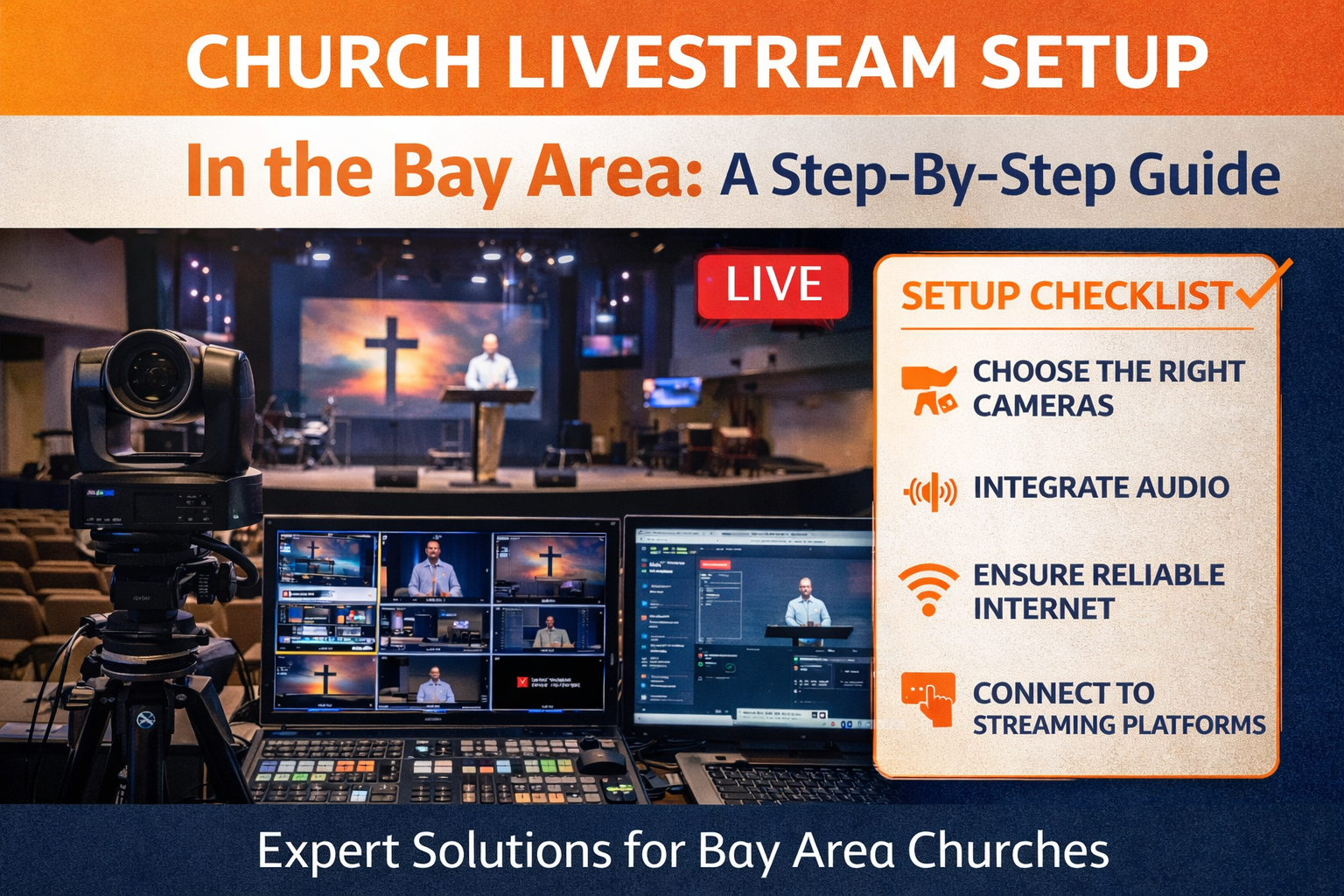
Livestream Systems for Churches in San Jose and the Bay Area
Churches throughout the Bay Area often require livestream systems that integrate seamlessly with their existing sound and video equipment.
Zamar Media Solutions helps churches design and install professional livestream systems that deliver clear video and audio for online viewers.
Services include:
Camera system installation
Video switching systems
Audio integration with church sound systems
Livestream system setup
Training for church volunteers
These systems allow churches to create reliable broadcasts while keeping the technology simple for volunteers to operate.
Improving Your Church Livestream
If your church livestream currently struggles with poor audio, shaky cameras, or unreliable streaming, a professional evaluation can help identify improvements.
A properly designed system allows your church to reach both in-person congregations and online viewers with clear sound and video.
To learn more about church livestream systems in San Jose and the Bay Area, visit:
ZamarMedia.com Contact US